01
Your information. Your controls.
Request access, correction, or deletion; manage preferences and export records where supported. Some information may be retained for legal, security, or accounting obligations.

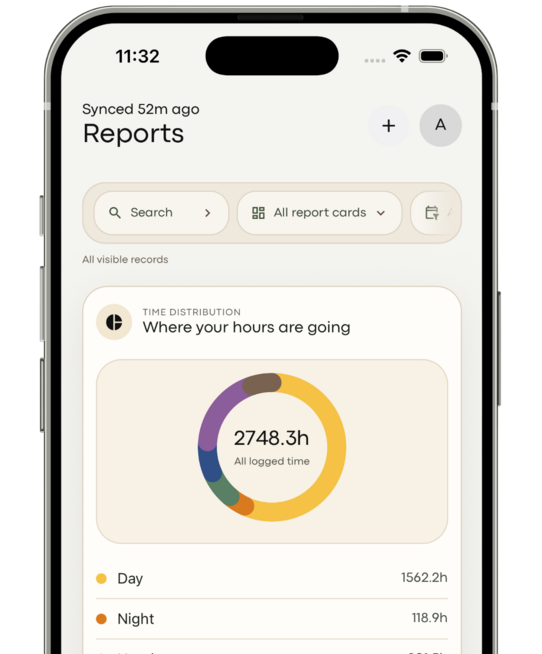
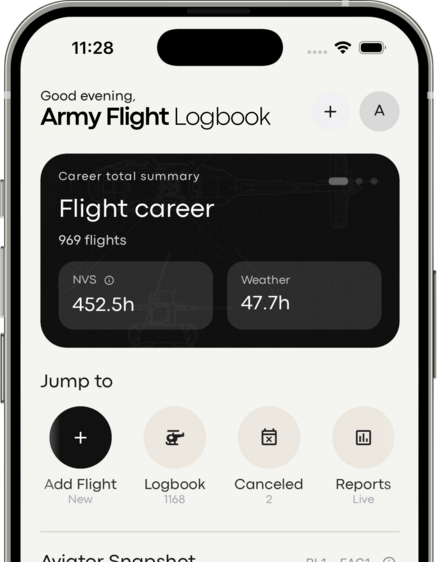
The Privacy Policy states that Army Flight Logbook does not sell personal information, flight records, or organizational data, or share it for behavioral advertising.
Explore privacy & data protectionRequest access, correction, or deletion; manage preferences and export records where supported. Some information may be retained for legal, security, or accounting obligations.
Authorized company administrators may access associated profiles, hours, currency, qualifications, and readiness reports according to their permissions. Your organization manages access within its environment.
The policy describes encryption, authentication, role-based access controls, and monitoring. No online service can promise absolute security.
Explore your flight history, log your next flight, and keep the requirements that matter to you in view.
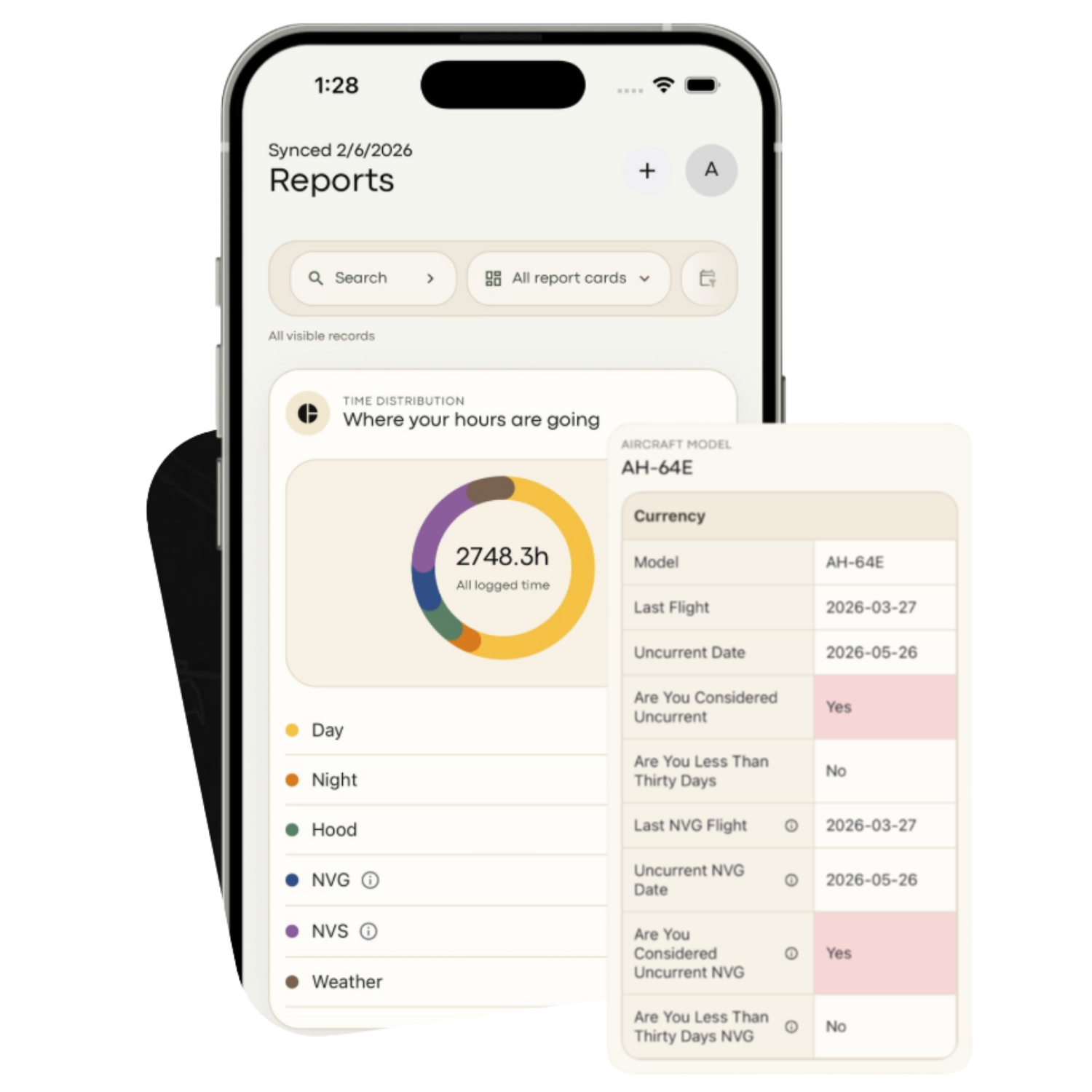
Your hours, aircraft, and progress at a glance.
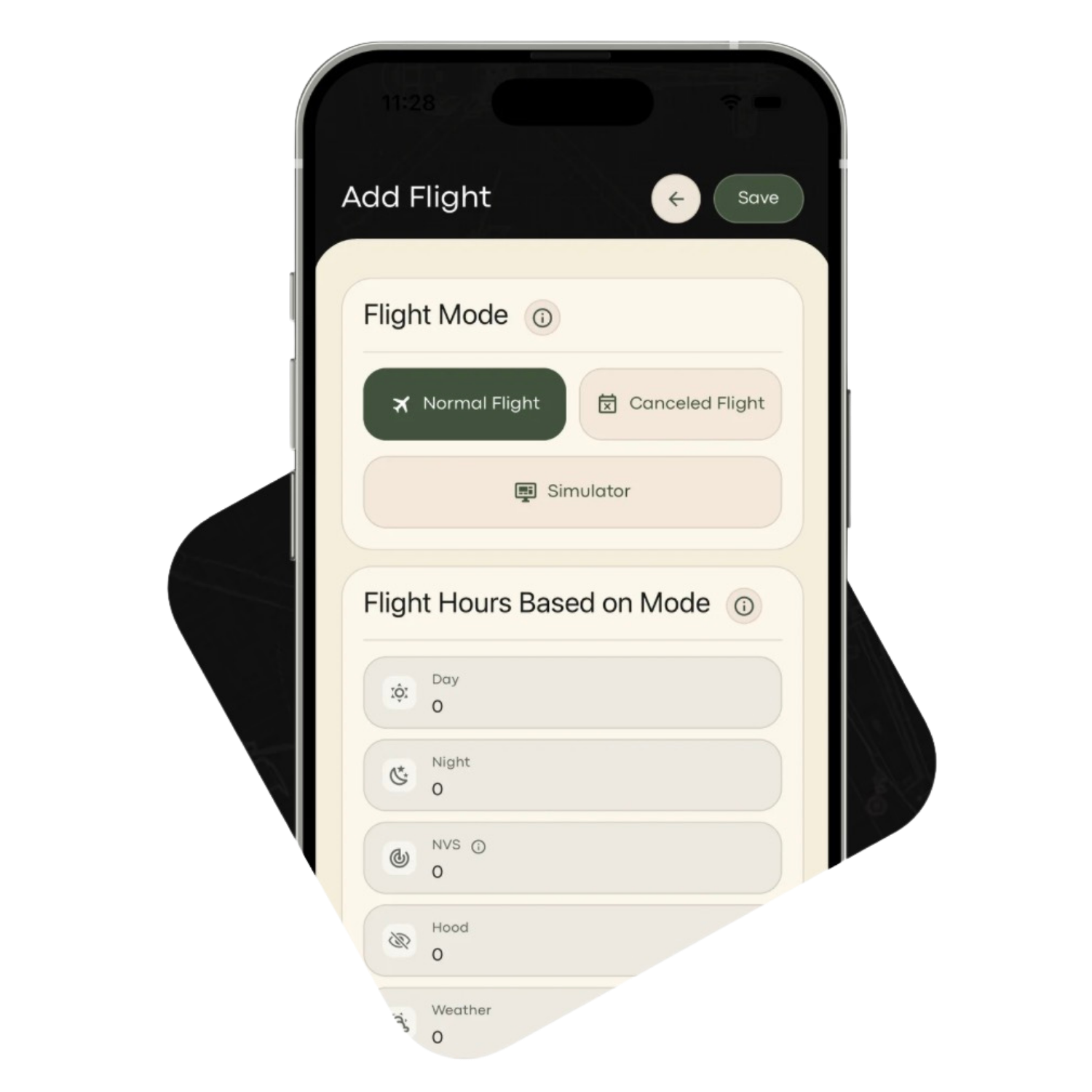
Keep every flight and simulator session together.
 Army Flight Logbook
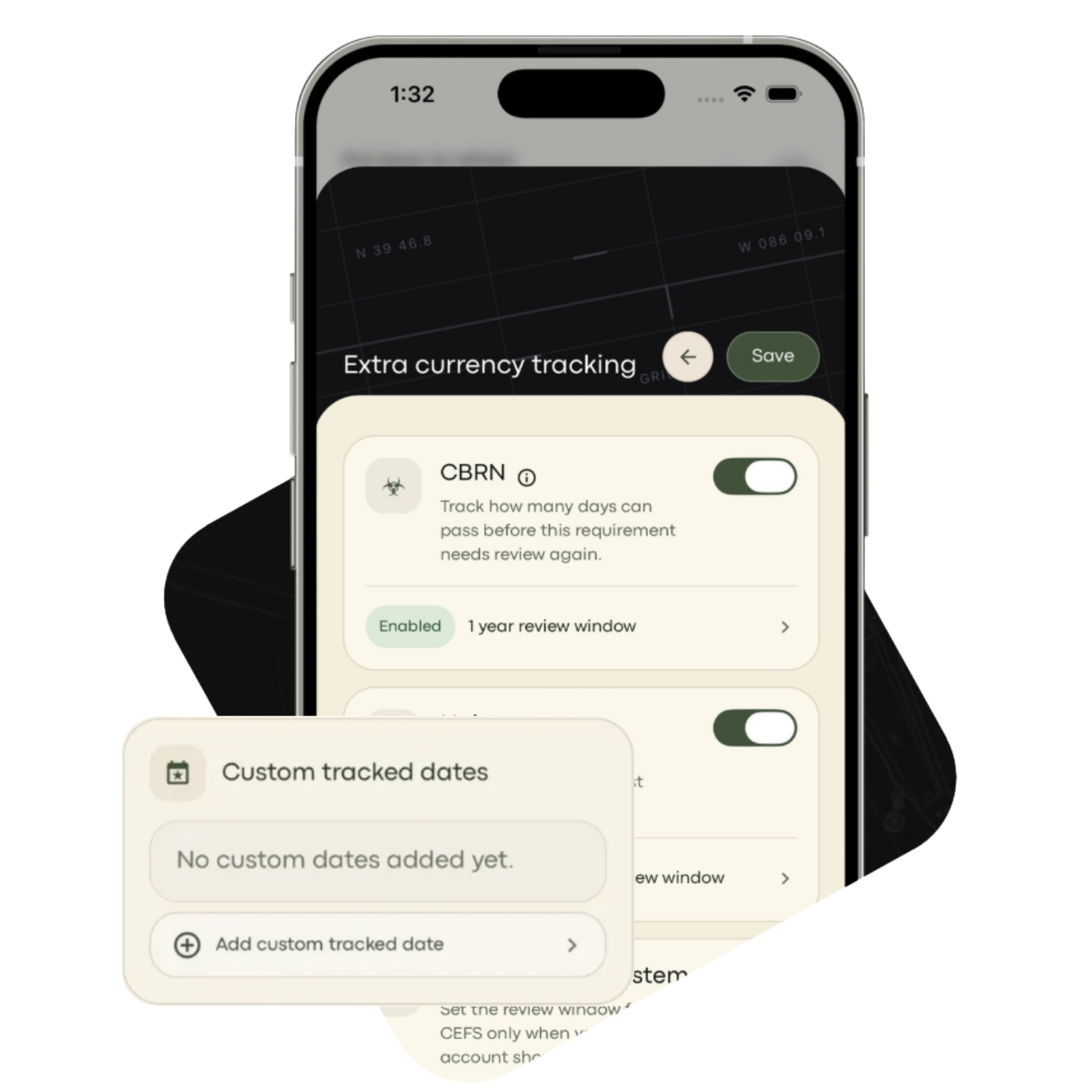
Keep the requirements that matter to your work in view.
Tools for every stage of your aviation career.
Log flight and simulator time, record missions and aircraft information, and organize entries with custom tags.
Review reports at your desk or log time on a supported mobile device. Move between the web and mobile experience with your account.
The mobile app stores records locally for offline access and updates. Reconnect and sync to upload changes to the cloud.
Use fuel burn, endurance, exhaustion-time, and reserve-planning tools within the app.
Badges, awards, and flight-hour milestones mark your progress. Share an achievement or keep it as a personal record.
Explore how records are stored, what information the service uses, and the safeguards described in our data-protection statement.
Read our data statementYour hours. Your history. One place to bring it together.
Bring existing flight history into your logbook using the in-app CAFRS import tools.
Your import, step by stepPrepare and upload your record. Follow the preparation instructions before uploading your flight history through the in-app CAFRS import tools.
Let the app process the file. Use the in-app import workflow to process your prepared file and follow any guidance shown along the way.
Review imported flights and totals. Check the results against your source records before relying on a new total.

Army Flight Logbook was founded by Rob VanArsdall, a 12-year Army veteran and Army aviator. He began developing it while serving, drawing on the challenges he and other aviators faced managing flight records, currency requirements, and readiness.
Read the next chapterOpen the current App Store or Google Play listing to review availability, purchase options, and localized pricing before buying. The current App Store listing requires a monthly or annual subscription for new accounts.
Existing purchase entitlements may differ from new-account plans. Sign in or use the restore-purchase options provided by the app. Contact support with your purchase details if access needs review; do not buy again just to resolve an account question.
Contact product supportThe app includes automated CAFRS/record import tools and preparation instructions. The current App Store listing identifies DA Form 2408-12 import; follow the help center’s current file-format instructions before uploading. Review the imported results and compare them with your source records. The guide collection includes a step-by-step review checklist.
Open the guidesCompany Tracking provides a centralized view of aviator hours, currency, qualifications, and readiness information. Explore the company page for its published plans, consultation route, and demo.
Explore Company TrackingAccounts are for individual use. The original product terms prohibit sharing, selling, or transferring accounts and warn that violations may lead to suspension. Use Company Tracking for authorized organizational access.
The product statement describes United States cloud infrastructure. The current Privacy Policy also explains that service providers may process information in other countries. Read the policy for processing and residency details; no online system can guarantee absolute security.
Read the full statementBehind every flight record is an aviator. Learn how Army Flight Logbook uses your information, approaches data protection, and supports the privacy of your personal records.
New perspectives. Product updates. Stories from your logbook.
From its early-2026 acquisition to version 2.0 and a subscription model, Army Flight Logbook marks an important chapter for Frameworks.
A practical first-session checklist for Army Flight Logbook: account access, aircraft setup, a sample flight, and checking your totals.
Explore all the news, guides, and stories from Army Flight Logbook and Frameworks.
Take your flight history with you. Choose the app for your device.