FOLLOW-UPS
A next step you can see.
Save a draft and a due date. Review upcoming, past-due, and completed follow-ups, then send when you’re ready. You stay in control of every message.

A new inquiry. An estimate to send. A customer waiting for an update. Bring the everyday back-and-forth into one place, from the first hello to the next follow-up.
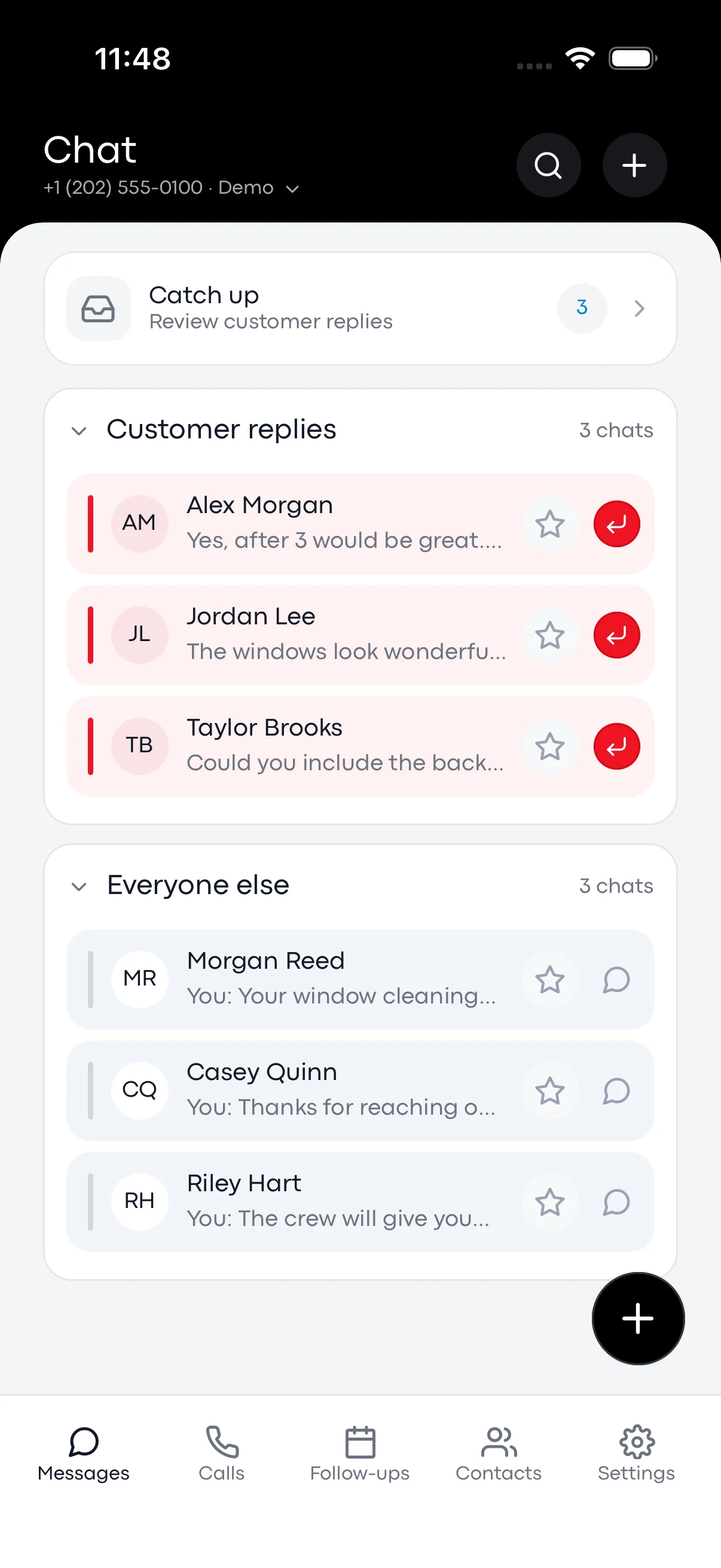
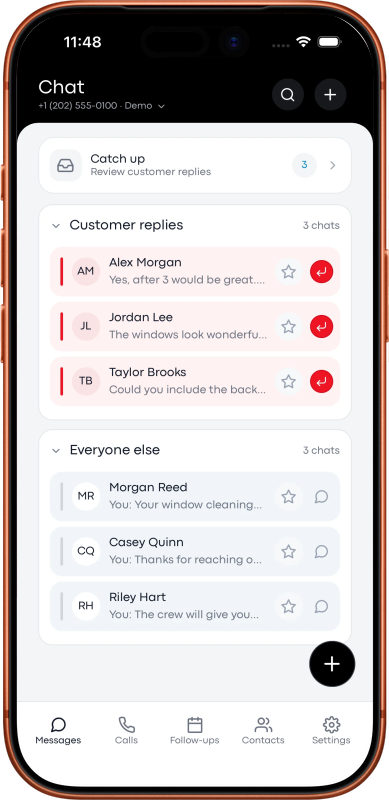
Explore the demoKeep customer texts organized by business number. In the mobile app preview, customer replies sit at the top so you can see who needs you next.
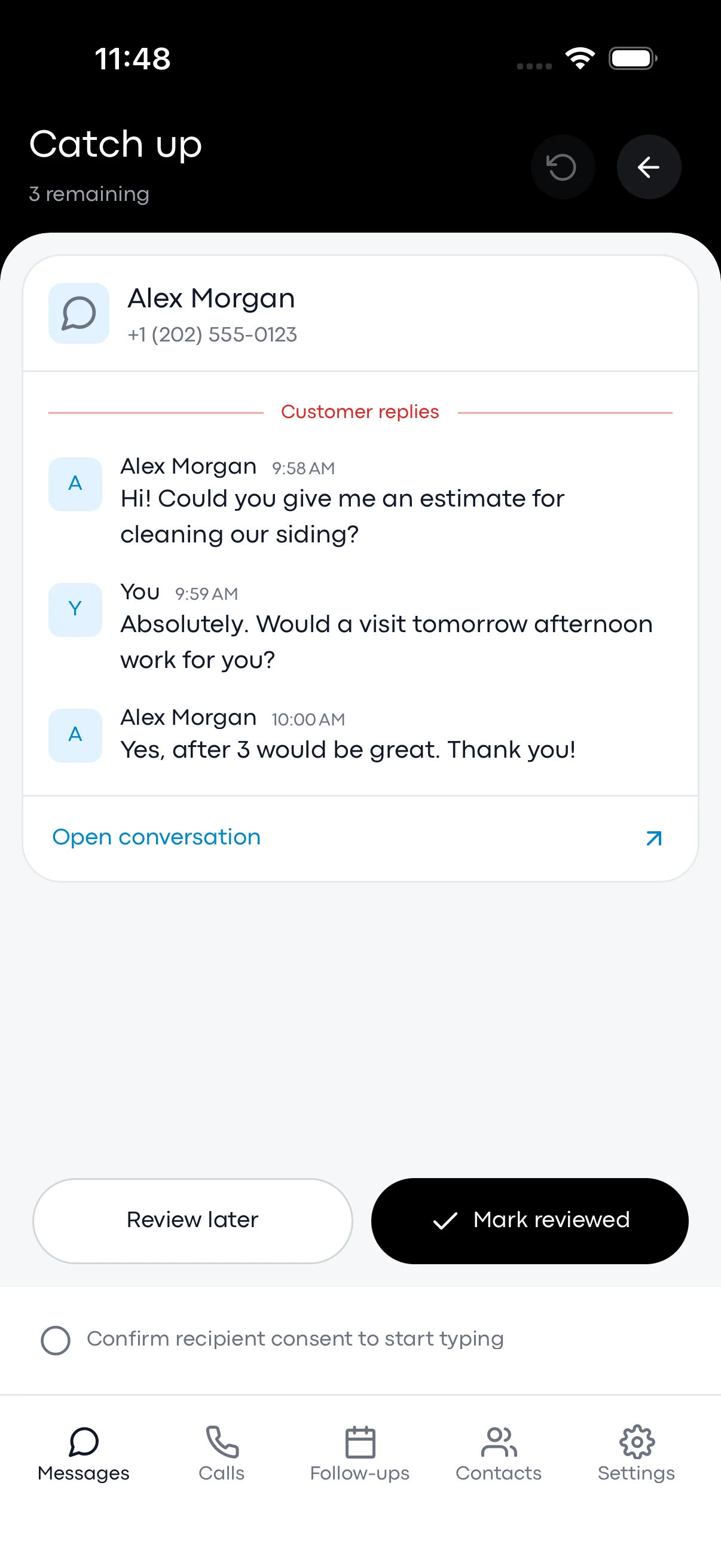
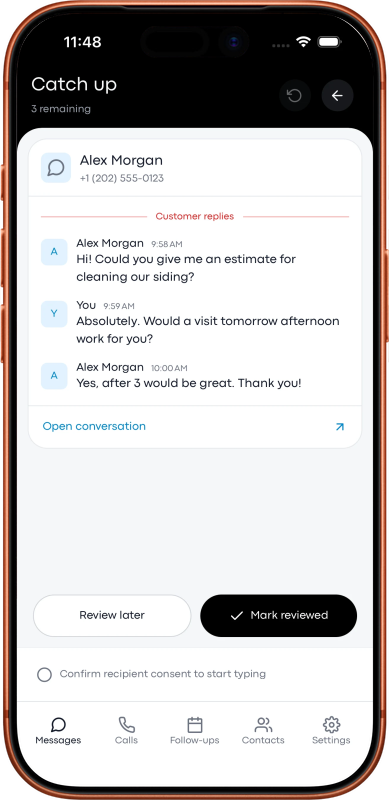
Try the interactive web demoGet the context before you reply. The Catch Up preview brings recent messages into focus, with a choice to review later or mark the conversation reviewed.
Try the interactive web demo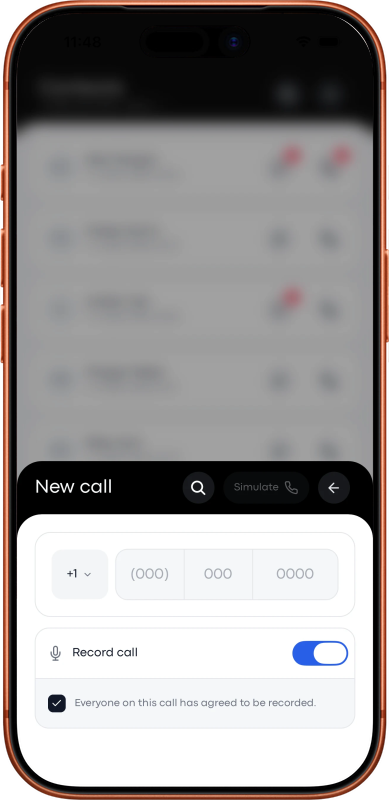
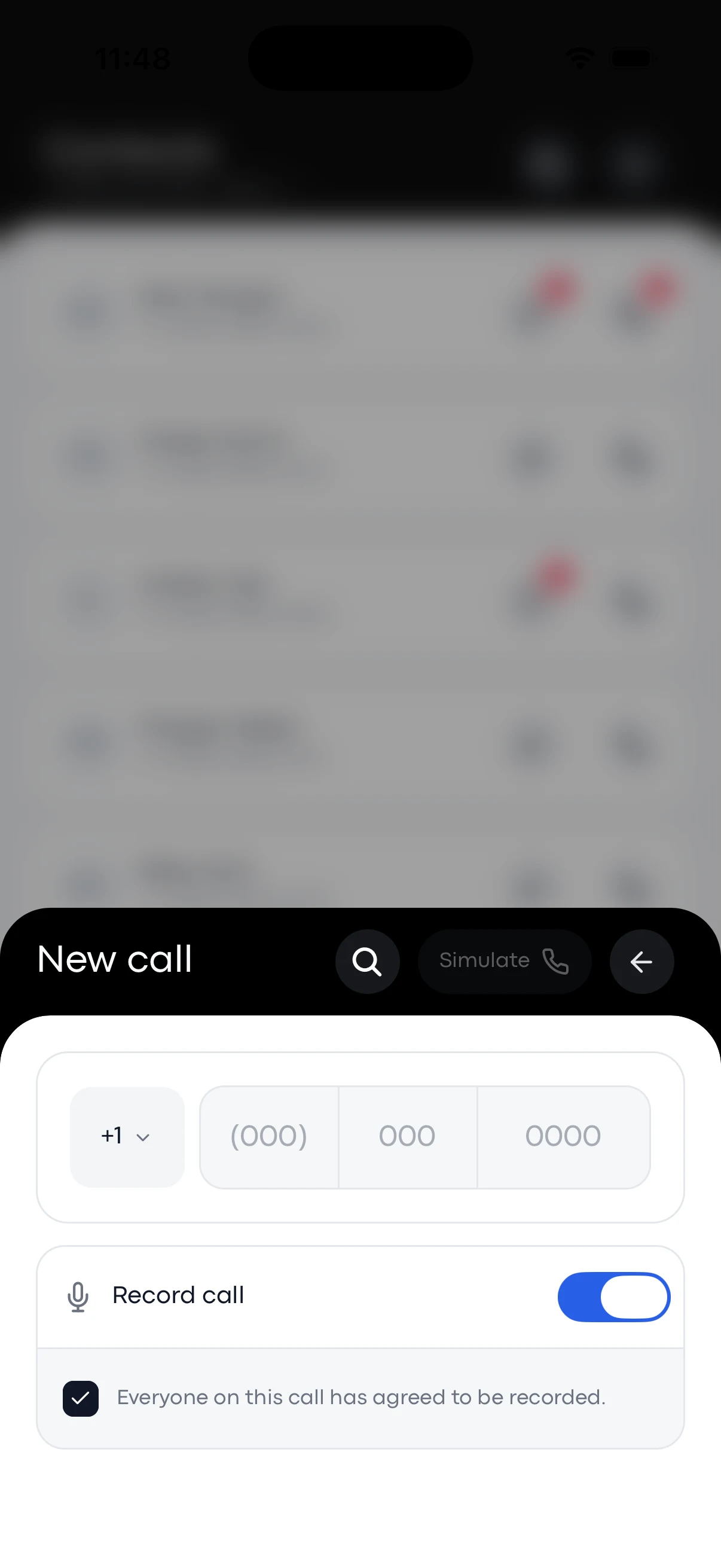
Choose whether to record a call, with everyone’s consent. Voice keeps available recordings with your call history, ready to play back or download as an MP3.
Try the interactive web demo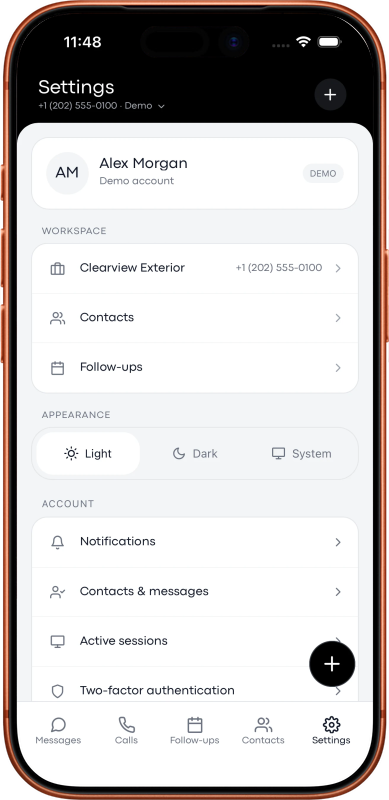
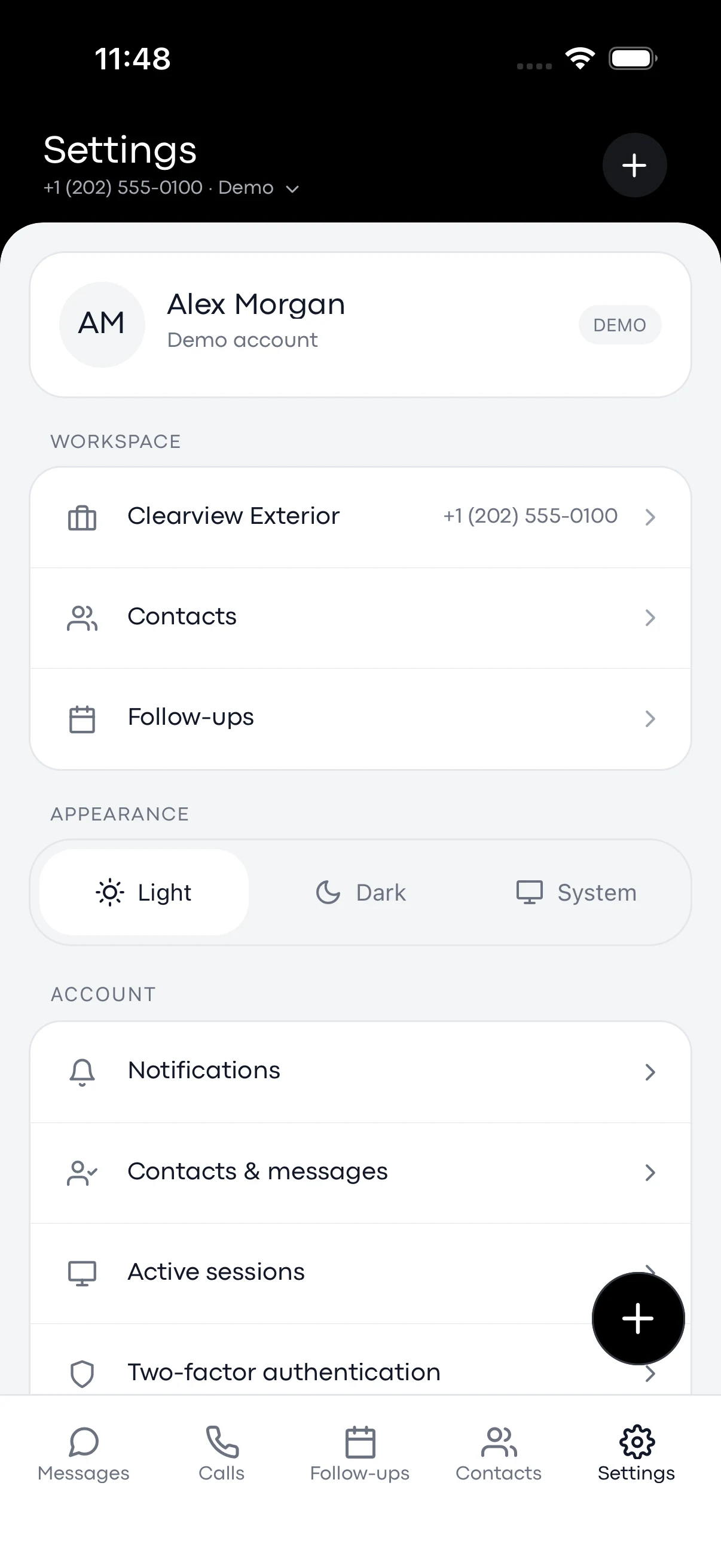
Switch between your business numbers and keep each line’s calls and messages in context. The mobile preview brings contacts, follow-ups, and account settings together.
Try the interactive web demoActual mobile app demo screens. Explore the web demo for the current browser experience.
Voice connects the call through the phone you already use. Your customer sees your business number.

Select a Twilio business number and the customer you want to call.

Voice rings your saved everyday phone first. Answer and press 1 to connect.

Talk as usual. The customer sees the business number you selected.
A few thoughtful tools for all the moments between the first call and a job well done.
Save a draft and a due date. Review upcoming, past-due, and completed follow-ups, then send when you’re ready. You stay in control of every message.
Create saved replies for estimates, arrival updates, or appointment details. In the web app, type /shortcut and press Tab, then make the message your own.
Use the Twilio numbers you already own. Select the right line for each conversation, with recent calls and recordings organized by number.
Start with Voice on its own. Connect your Twilio account and keep your business conversations close, without a separate CRM subscription.
USD + Twilio usage
Billed monthly. Choose yearly for $59 per year.
Get started with VoiceYour own Twilio account is required. Numbers, calls, texts, and recordings are billed separately by Twilio.
Paid upfront. Renews automatically until canceled. Request a refund of your first subscription payment within 14 days; Twilio fees are excluded.
Pricing & refund policyA Voice subscription, your own Twilio account, a voice-enabled Twilio number, and an everyday phone number for the call bridge. Texting requires an SMS-capable number and any registration required by Twilio.
No. Voice is a standalone service. You do not need a CRM subscription, organization workspace, customer records, or jobs to use it.
The phone-bridge calling flow connects two phones. Voice calls your saved everyday number first. Answer and press 1 to connect to the customer; they see the business number you selected.
No. Follow-ups save a draft and a due date for you to review and send manually. They do not automatically send texts or reminder notifications.
Voice access is $7 per month or $59 per year. Twilio bills you separately for numbers, calls, texts, recordings, and other usage. Subscriptions are paid upfront and renew automatically until canceled. You can request a refund of your first subscription payment within 14 days; Twilio fees are excluded.
The service accepts US, Canadian, and Australian numbers. Canada and Australia are pilots pending real carrier testing. Check the current international guidance and your Twilio number’s capabilities before relying on service in those countries.
Not automatically. Your existing incoming-call forwarding, greeting, and voicemail setup remains a separate configuration. The help center explains the current setup requirements.