Business phone
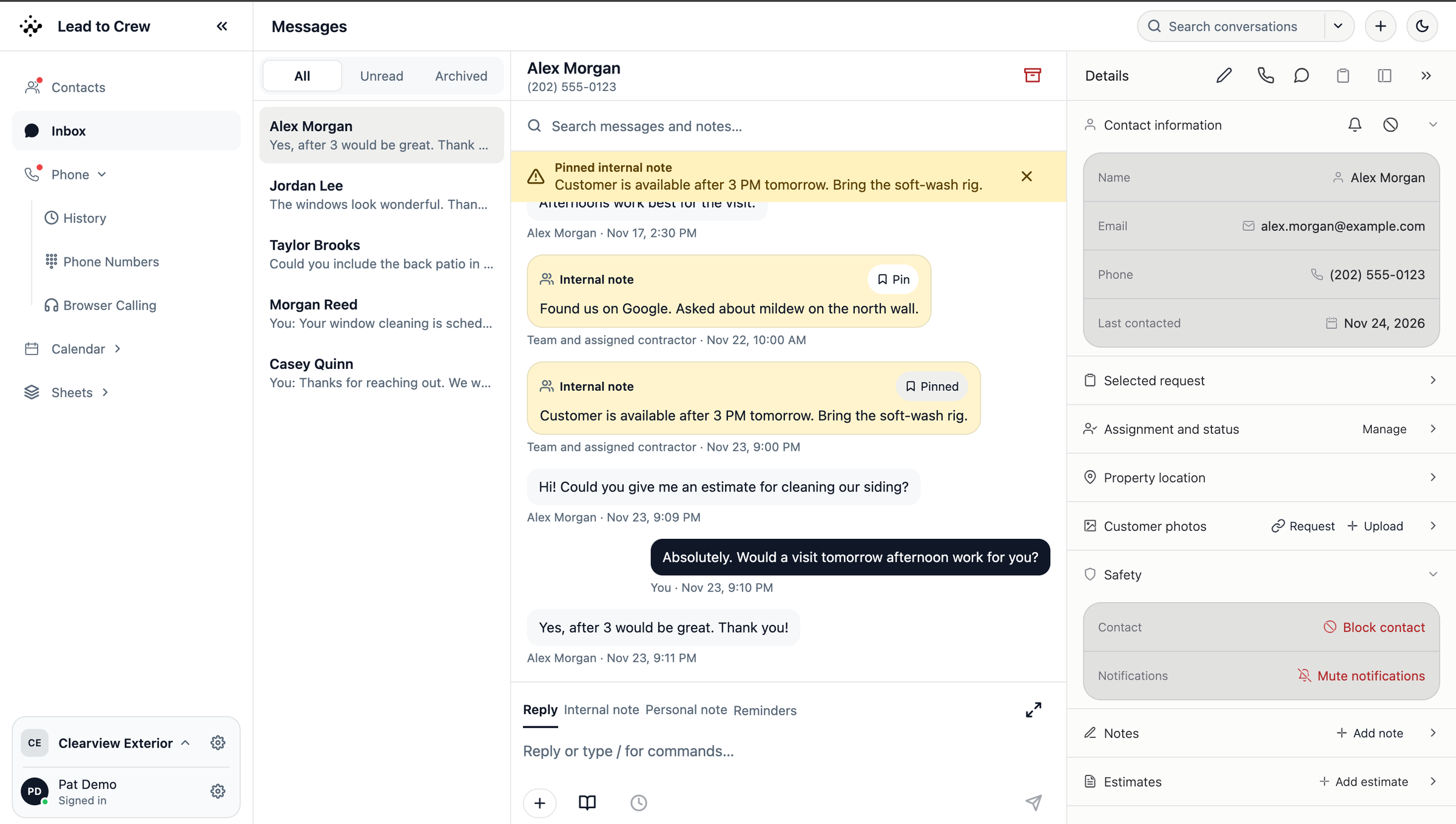
A customer calls or texts.
It lands in the shared inbox for your business number.

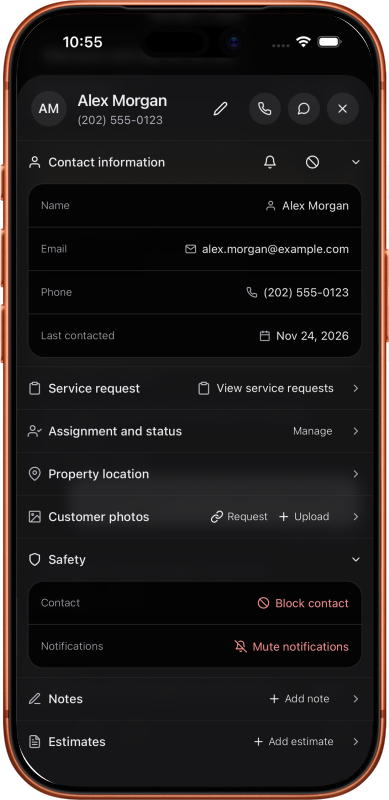
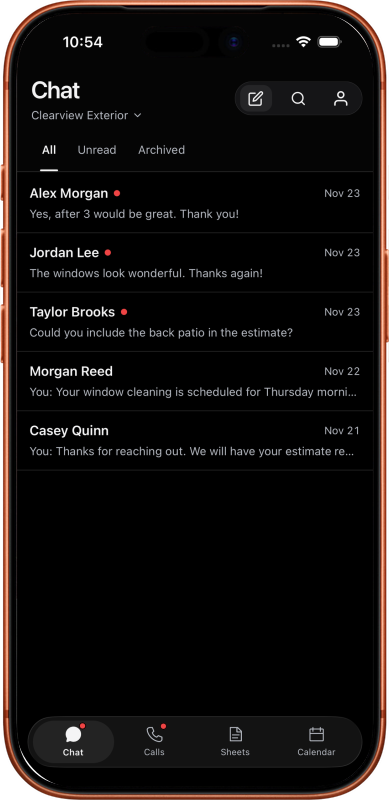
Open a customer to see messages, internal notes, service requests, properties, photos, estimates, invoices and appointments together.
Business texts, calls, customers, estimates and your crew’s schedule in one connected workspace.
It lands in the shared inbox for your business number.
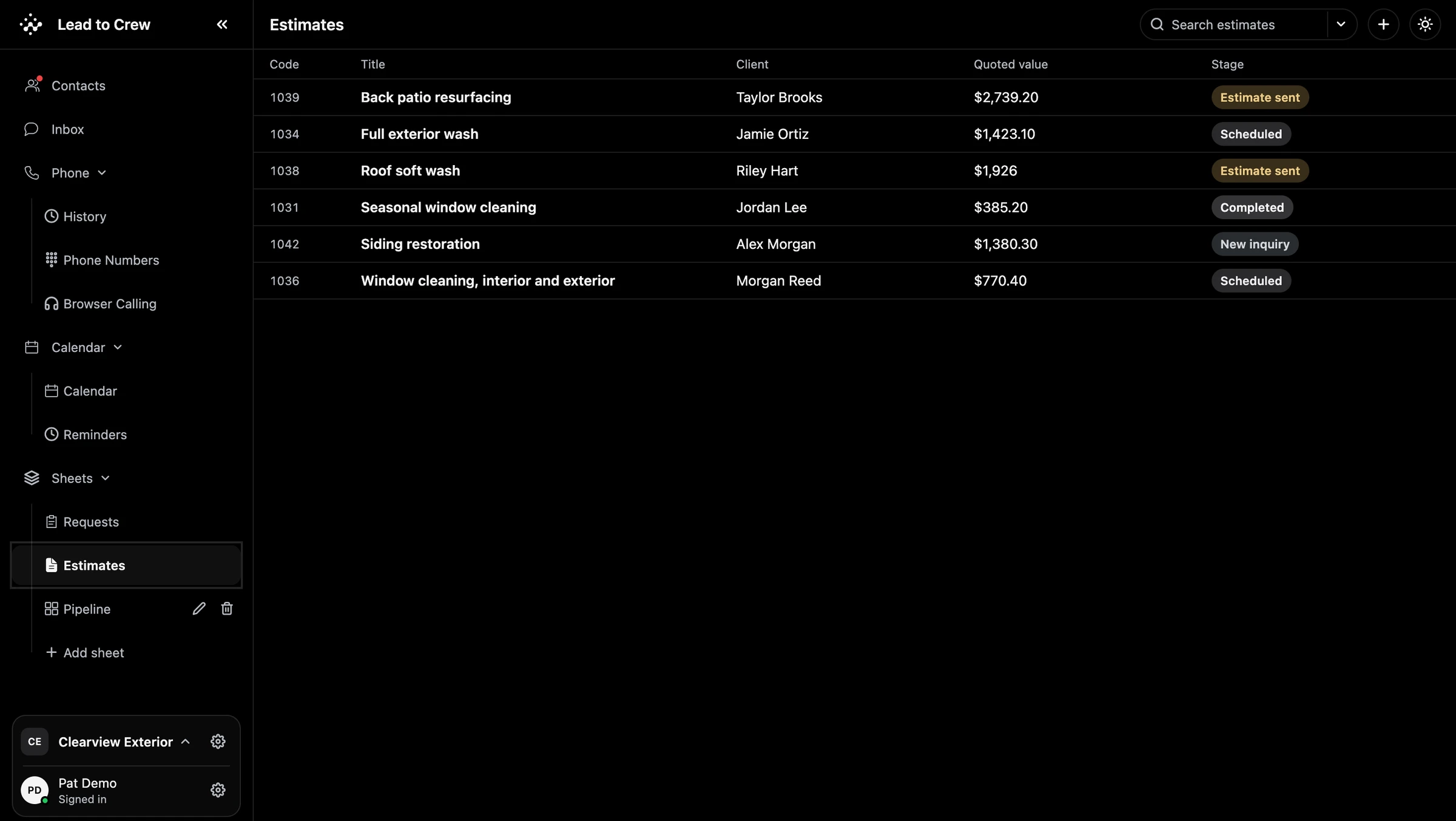
Prepare line items and tax, then assign a crew and schedule the visit.
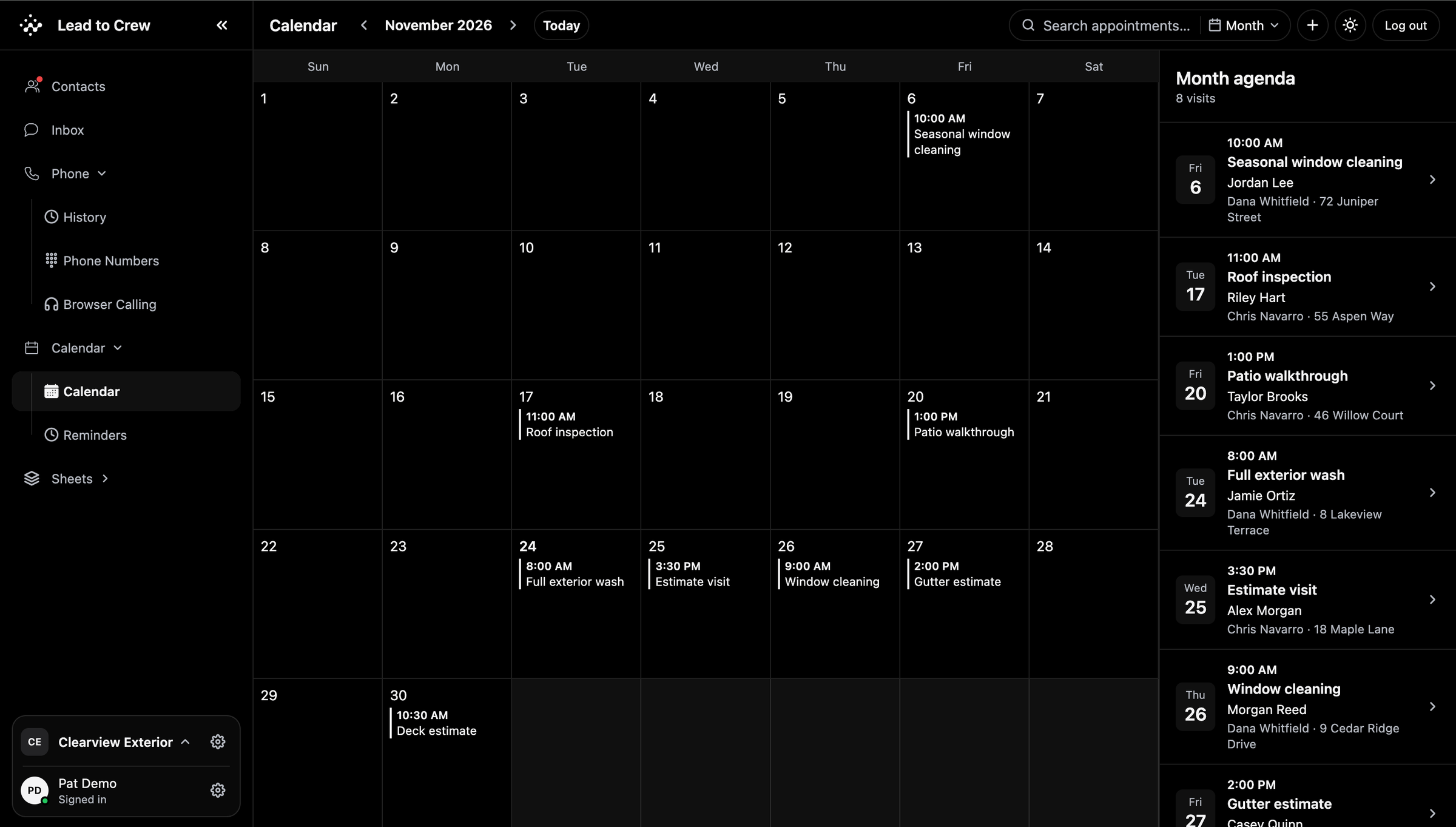
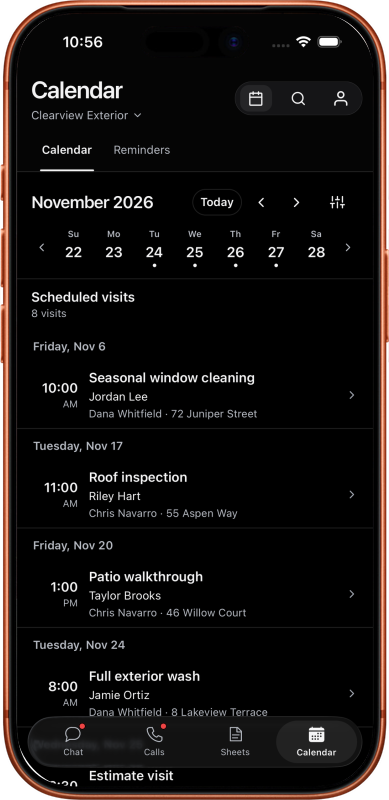
View appointments, crew members and addresses together. Save follow-up drafts with due dates; you review and send each message.
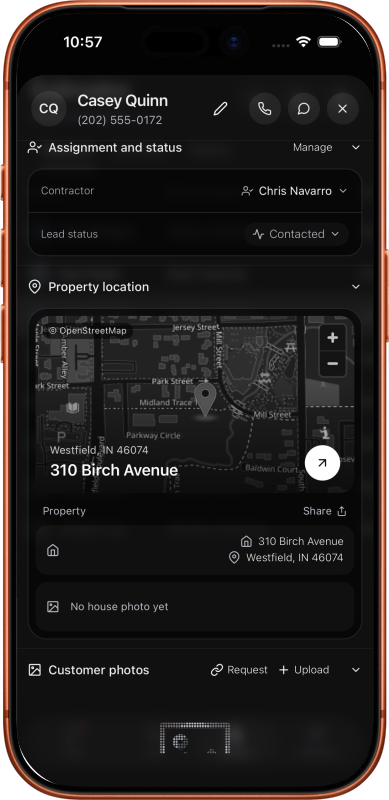
Keep contact details, custom fields and multiple service addresses together. Search your customer list and open an address for directions.
Explore the demoKeep team and personal notes separate. Send expiring photo upload links and print a job sheet with the details your crew needs.
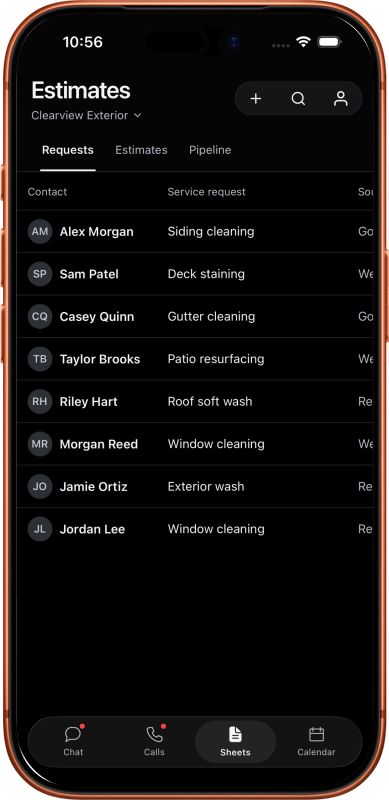
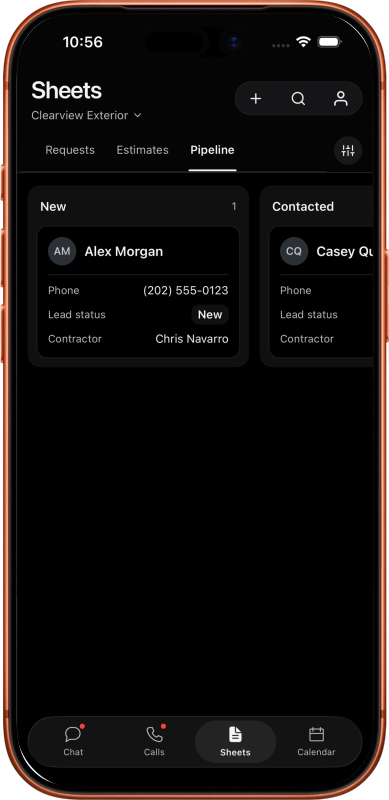
Get startedTrack status, priority and lead source for each request. Turn a text into a service request and archive completed work.
Assign jobs, track assignment status and keep internal notes available to your team and the assigned contractor.
Reuse saved line items, include tax and terms, and create invoices from estimates. Record payments and the remaining balance.
Filter, sort and group your own tables or boards. Review missed calls, answer rate, first reply time and conversations waiting for an answer.
Subscribe to scheduled visits in Google, Apple or Outlook Calendar. Sync runs one way from Lead to Crew and updates when your calendar refreshes. Twilio powers phone service and bills usage separately.
Explore Voice
One conversation. A whole job.
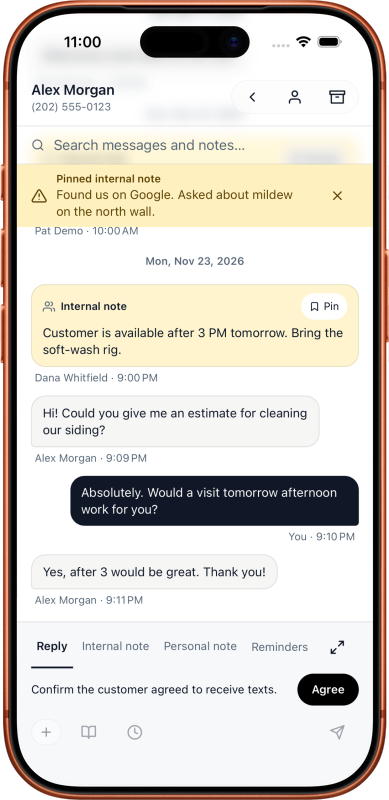
Confirm texting consent before typing. Record calls only with everyone’s agreement. Follow-ups remain drafts, and uncertain text delivery stays open for review.
Data privacy & protectionUse the web workspace today. The iPhone and Android apps shown here are not yet published in app stores.
Yes. Switch between business workspaces and connected business numbers.
The existing billing page describes standalone Voice pricing. Confirm CRM pricing and plan availability during onboarding; Twilio usage is separate.
Invoices track paid, partly paid and balance due. Online payment collection is not included in this feature guide.
Not in app stores yet. The screenshots preview the mobile experience.